Start here
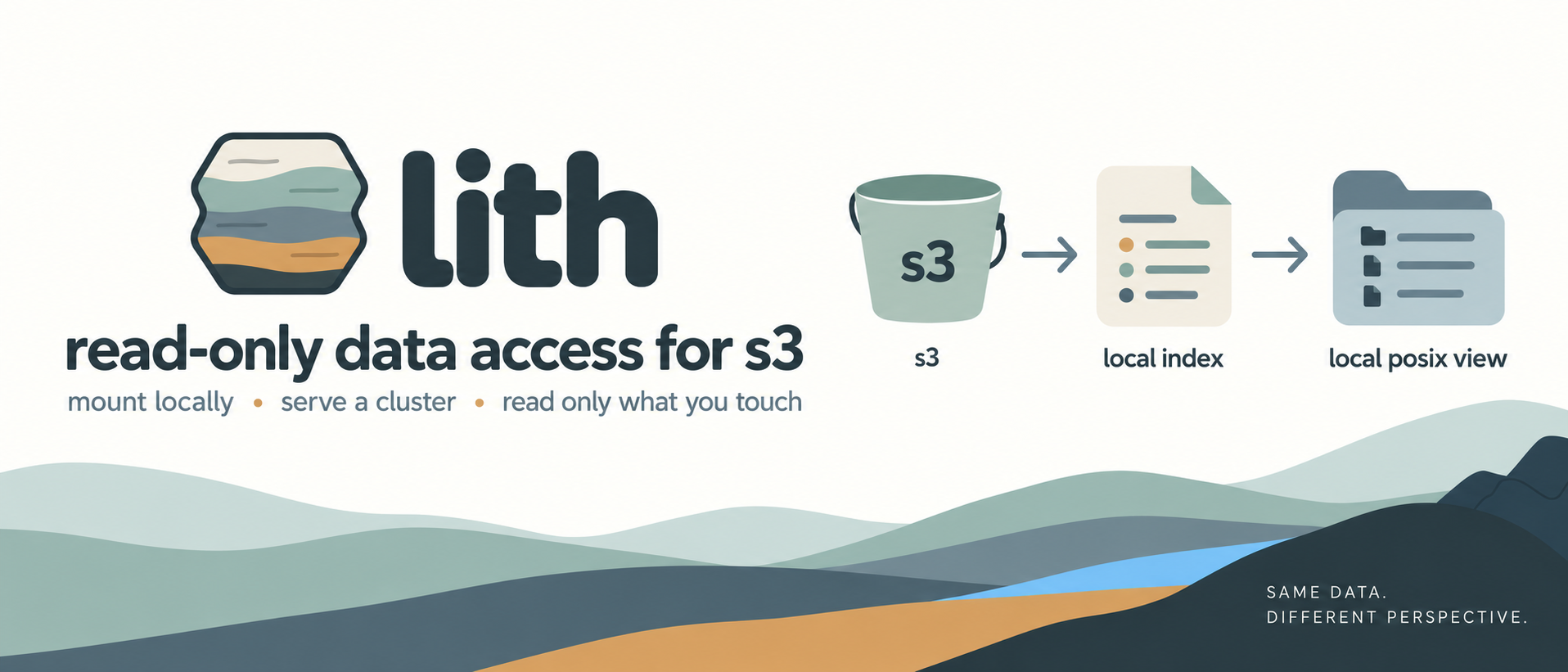
Five minutes from nothing to a real answer, against a public Registry of Open
Data bucket. You need a Linux box (lith uses FUSE) and samtools for the last
step. Nothing is written to the bucket; nothing but an index file is written
locally.
Why "lith"? As in lithic / lithology — rock strata. lith serves a bucket's objects as read-only strata, exactly as they were laid down; the bucket's native key layout is the stratum, and lith never rewrites it.
1. Install
Download the static binary for your architecture from the releases page:
# arm64 (Graviton, Apple-on-Linux VMs, …)
curl -fsSL https://github.com/scttfrdmn/lith/releases/latest/download/lith_linux_arm64 -o lith
# or x86-64
curl -fsSL https://github.com/scttfrdmn/lith/releases/latest/download/lith_linux_amd64 -o lith
chmod +x lith && sudo mv lith /usr/local/bin/
lith version
Or, with Go installed: go install github.com/scttfrdmn/lith/cmd/lith@latest. The
releases page also has .deb/.rpm packages (sudo dpkg -i lith_*_linux_amd64.deb)
and a container image (ghcr.io/scttfrdmn/lith). Each release is checksummed,
cosign-signed, and carries an SBOM + build provenance — see
Verifying a release.
1.5. Check your setup (lith doctor)
One command tells you whether lith will work here before you mount anything —
credentials, bucket access and region, LIST permission, FUSE, and the mountpoint.
Each check prints PASS/FAIL/N/A with a one-line fix; it exits non-zero if
anything fails.
lith doctor s3://1000genomes/phase3/data/HG00100/alignment --no-sign-request
It catches the things that otherwise surface as a cryptic mount error: a
region-mismatched client, a bucket that denies ListObjectsV2 (it points you at
--keys), missing FUSE, or a sudo-created mountpoint that's root-owned. Run it
first on a new box.
2. Build the index
s3://1000genomes is public, so pass --no-sign-request. Index one sample's
alignment folder — a handful of keys, so the build is instant:
lith index build s3://1000genomes/phase3/data/HG00100/alignment \
  --no-sign-request --index-file /tmp/hg00100.lithidx
lith index inspect /tmp/hg00100.lithidx
inspect prints the key count and a few stats. This listing is the only time
lith calls S3 for metadata; from here ls and stat are answered locally.
3. Mount it
sudo mkdir -p /mnt/hg00100 && sudo chown "$USER" /mnt/hg00100  # you must own the mountpoint
lith mount s3://1000genomes/phase3/data/HG00100/alignment /mnt/hg00100 \
  --index-file /tmp/hg00100.lithidx --no-sign-request --daemon
ls -lh /mnt/hg00100
(fusermount3 requires write access to the mountpoint, so the user running
lith must own it — hence the chown after the sudo mkdir.)
Scripting a readiness check: run it as the user that created the mount
A FUSE mount created by root cannot be stat'd by another user, so
mountpoint -q /mnt/… reports not mounted and a readiness loop times out
while the mount is in fact serving. Reported from a benchmark harness where
this stacked three mounts behind one failed check.
lith mounts does not rescue you, for a different reason: it reads a
per-user record directory and deliberately ignores records from a
directory it does not own, so a root-created mount is equally invisible to a
non-root lith mounts.
It is symmetric, and the other direction bites too: sudo mountpoint -q
cannot see a user-owned FUSE mount either, so a root-run check against a
user-created mount also reports not mounted. That one cost a benchmark
harness 60 seconds of idle wait per cell before anyone noticed.
The rule, both ways: run the readiness check as the same user that created
the mount. mountpoint -q or lith mounts, as that user. Better still,
avoid the asymmetry entirely — mount as the user that will read, which is
what the chown above is for.
ls returns immediately and shows a 14 GiB …low_coverage…bam.cram and its
.crai index — real sizes and mtimes, served from the local index without
touching S3.
4. Ask a question
Count the reads in a 1 Mb slice of chromosome 20. samtools seeks into the CRAM through the mount; lith fetches only the bytes those reads occupy (it fetches the CRAM reference from the public EBI registry automatically on first use, so this step needs outbound internet):
samtools view -c /mnt/hg00100/HG00100.*.low_coverage*.cram 20:1000000-2000000
You get a count in a second or two, having moved on the order of tens of MB — not the whole 14 GiB file.
5. Measure the read path
lith bench reads an object through a mount and reports throughput, S3
requests, and an estimated cost, cold then warm:
lith bench s3://1000genomes/phase3/data/HG00100/alignment/HG00100.mapped.ILLUMINA.bwa.GBR.low_coverage.20130415.bam.cram \
  --pattern seq --no-sign-request
6. Unmount
lith umount /mnt/hg00100
lith umount signals the mount process and waits for it to leave the mount
table (falling back to fusermount3 -u if needed); lith mounts lists every
live lith mount. You can still fusermount3 -u by hand.
Mount at any prefix
The s3://bucket/prefix you pass to mount becomes the root of the
filesystem — above, /mnt/hg00100 is rooted at phase3/data/HG00100/alignment/,
so its top-level entries are that folder's contents, not the whole bucket. One
prebuilt index can back many prefix mounts at once: build a wide index once and
mount any prefix at or below its root, concurrently, with no rebuild —
lith index build s3://1000genomes/phase3/data --no-sign-request --index-file /tmp/phase3.lithidx
lith mount s3://1000genomes/phase3/data/HG00096 /mnt/hg00096 --index-file /tmp/phase3.lithidx --no-sign-request --daemon
lith mount s3://1000genomes/phase3/data/HG00100 /mnt/hg00100b --index-file /tmp/phase3.lithidx --no-sign-request --daemon
lith umount --all
What just happened
- You listed once. The index build was the single metadata pass; every
ls,stat, andopenafter it was served locally with zero S3 calls. - You read only what you touched. The region query answered a question about a 14 GiB object by pulling a small fraction of it — no staging, no copy, no volume to size or delete.
- You wrote nothing to the bucket. lith is read-only by construction; the only local artifact is the index file you named.
Whether that trade — no staging, bytes-you-touch — actually beats copying the file first depends on your access shape and your box. That is the next page: Copy or mount?